

Deutsche Fassung: auf Deutsch lesen
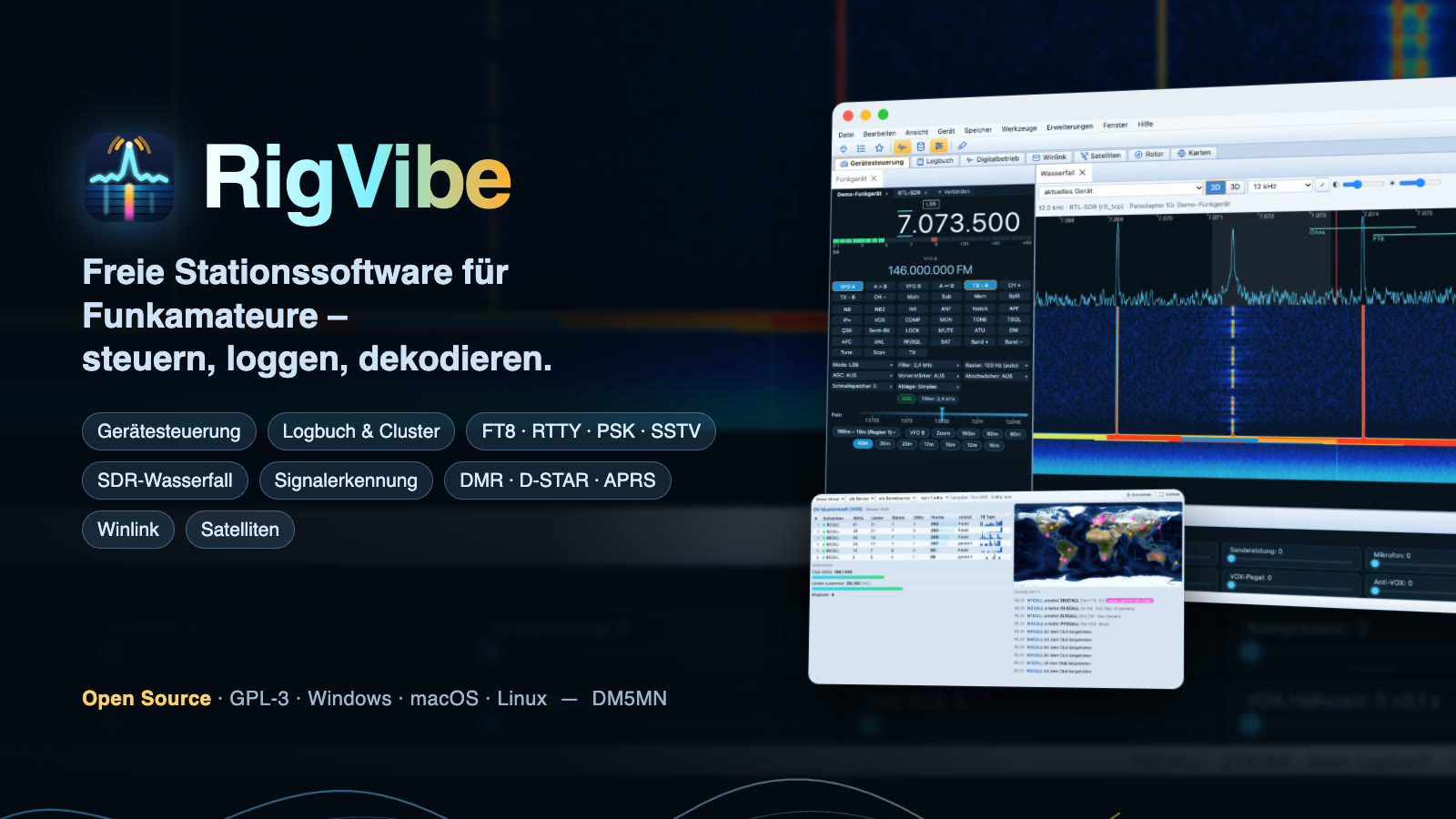
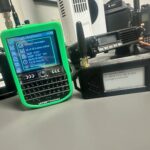
The sBitx v3 is an open shortwave transceiver with a built-in Raspberry Pi and touch screen. With RigVibe 1.9.0 it becomes a new radio: its own full-screen interface, AI noise reduction, FT8 with transmit, FreeDV with RADE, decoders with maps, Meshtastic, logbook – and a dozen radio designs. You no longer need the sBitx software for any of this. Here is what it can do and how to install it.
🛠️ What RigVibe does on the sBitx
RigVibe talks directly to the sBitx hardware: the oscillator (Si5351), the low-pass filters, the audio codec, the SWR bridge for power and SWR, and the two knobs. The interface runs full screen without a desktop and without a browser, and you operate it with your finger. RigVibe’s web interface remains reachable on the network – so you can also operate the sBitx from a PC or tablet.
- Tuning knob: turning tunes (turned quickly, it moves in bigger steps), pressing changes the step size.
- Volume knob: turning changes the volume with no delay, a short press jumps to the next band, a long press opens the menu.
- Touch: tap bands, mode, filters, controls and all pages directly; tapping in the waterfall tunes, “+” and “−” zoom.
⬇️ Installation in one line
On the sBitx (Raspberry Pi OS, 64-bit), open a terminal or connect via SSH and enter:
curl -fsSL https://rigvibe.de/install.sh | bashThe script checks the system, detects the sBitx and asks whether to set up radio mode. After that, RigVibe starts directly when you power on; the desktop and the sBitx software stay off. All changes are backed up – --deinstallieren restores the old state. Later you get updates right on the radio under Menu → Settings → RigVibe.
🌊 Receive, waterfall and noise reduction
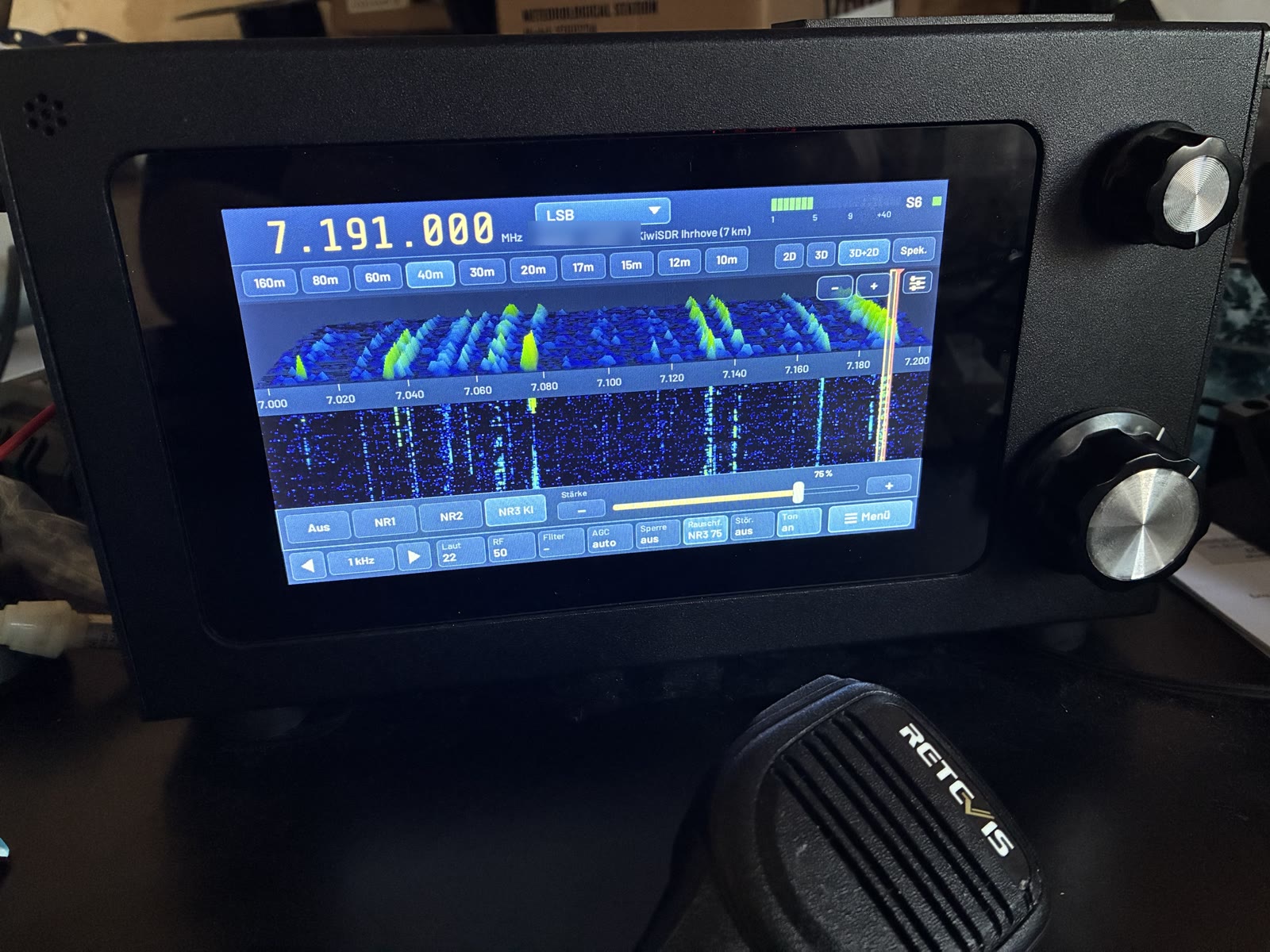
- Waterfall in 2D, 3D and 3D+2D plus a pure spectrum view, fine zoom down to the single signal; the filter frame sits exactly on the signal.
- Spectrum with adjustable baseline and gain, waterfall with noise level, contrast and seven color palettes.
- AI noise reduction (NR3) with adjustable strength, plus NR1/NR2 and a noise blanker.
- S-meter in five designs, band plan with automatic mode, RIT/XIT, split, A=B, Tune.
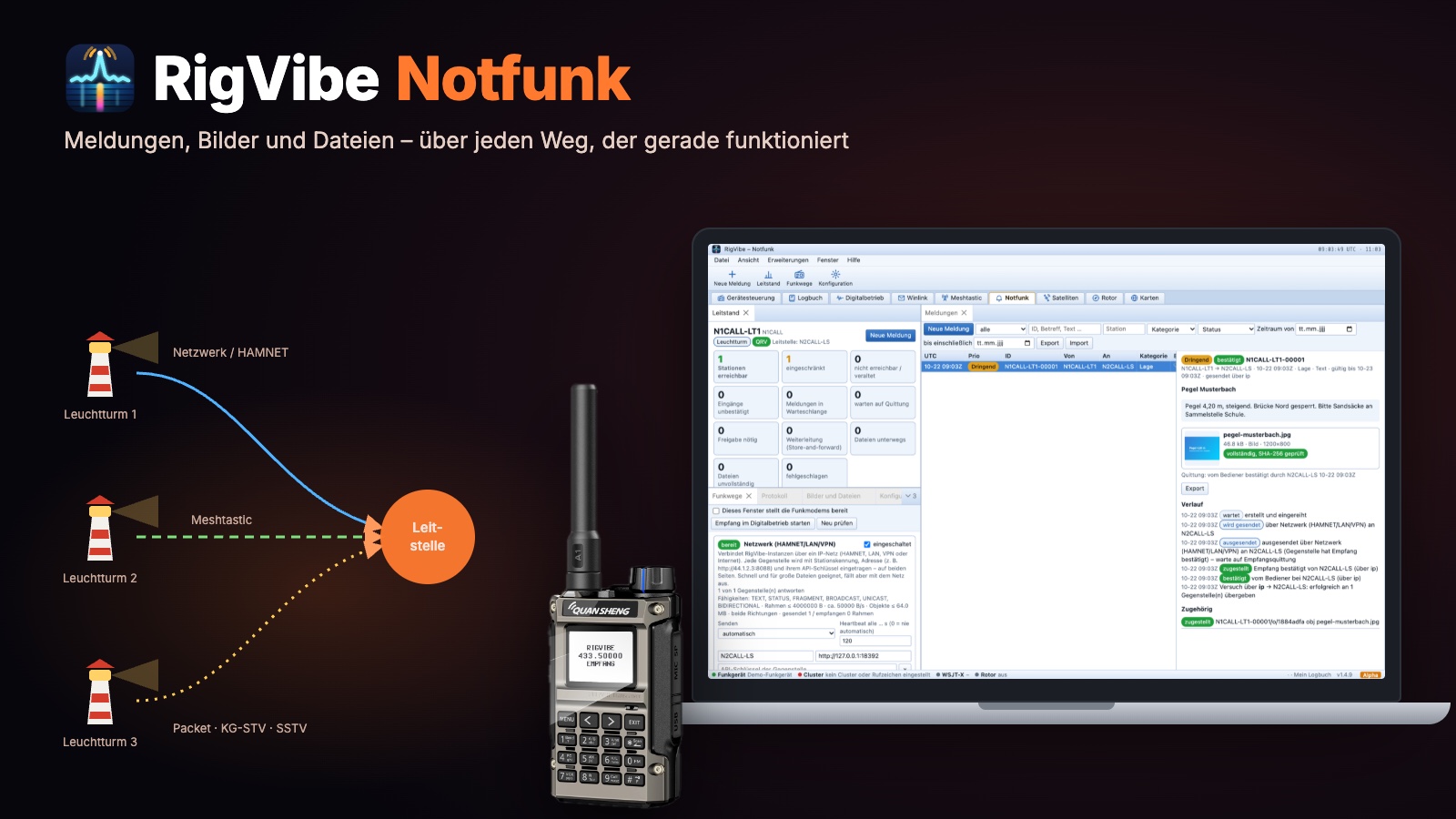
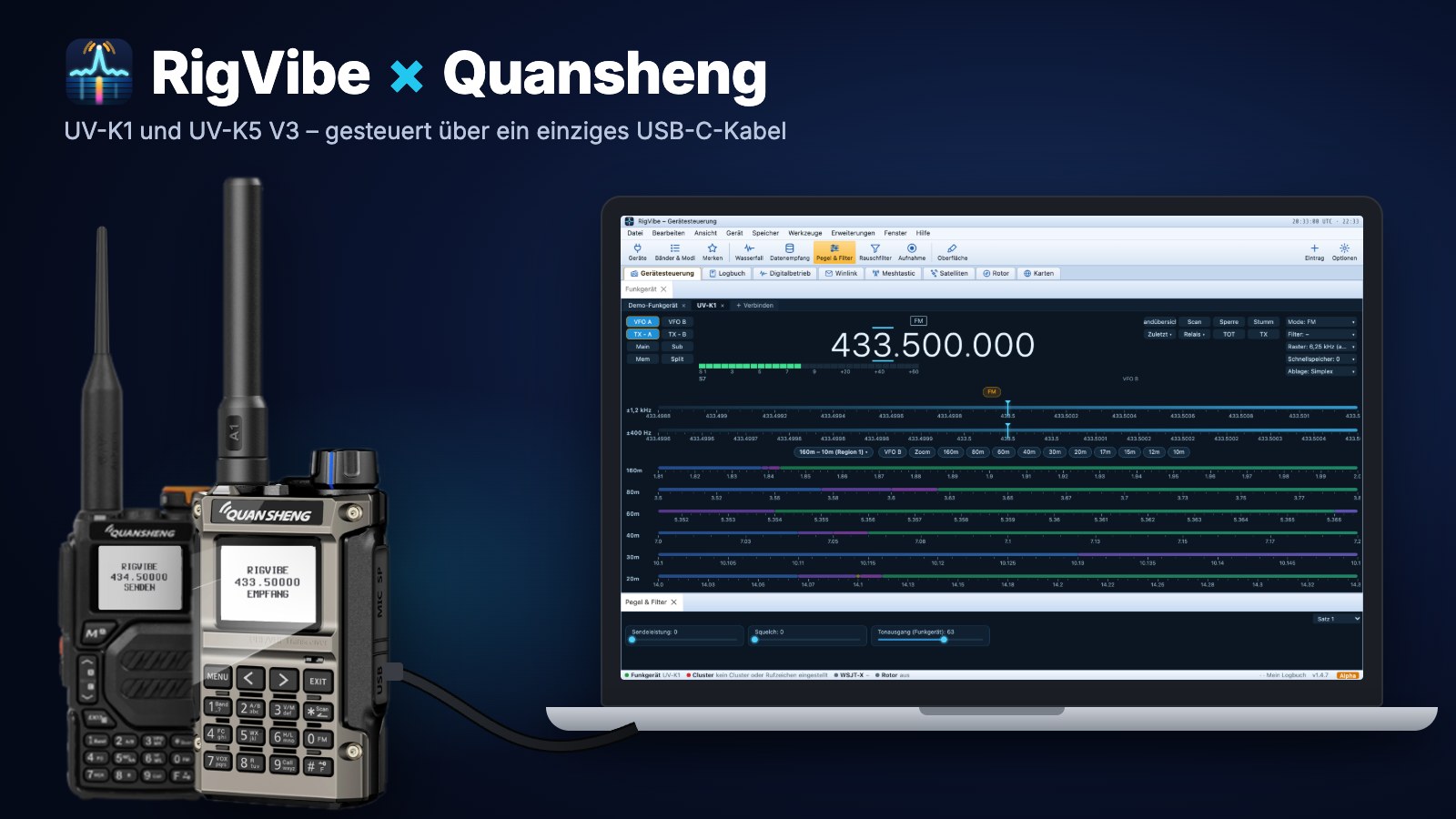
- Multiple receivers: besides the sBitx itself, RigVibe can optionally use a UV-K1 on USB for 2 m/70 cm, a KiwiSDR or OpenWebRX on the network, RTL-SDR, HackRF, Pluto and others. For a frequency outside the sBitx’s range (e.g. APRS on 144.800), RigVibe switches to the suitable device by itself.
💬 Digital modes and FreeDV without a PC
- FT8, FT4 and JS8 with transmit and QSO sequencing, reception reports to PSK Reporter if you want.
- PSK31, RTTY, CW and SSTV with an image gallery.
- FreeDV with RADE V1/V2 and automatic detection; the station list from FreeDV Reporter shows distance, bearing and a propagation estimate. RADE can be updated on the radio.
- The clock check in the system info tells you whether the time is accurate enough for FT8.
🗺️ Decoders and maps
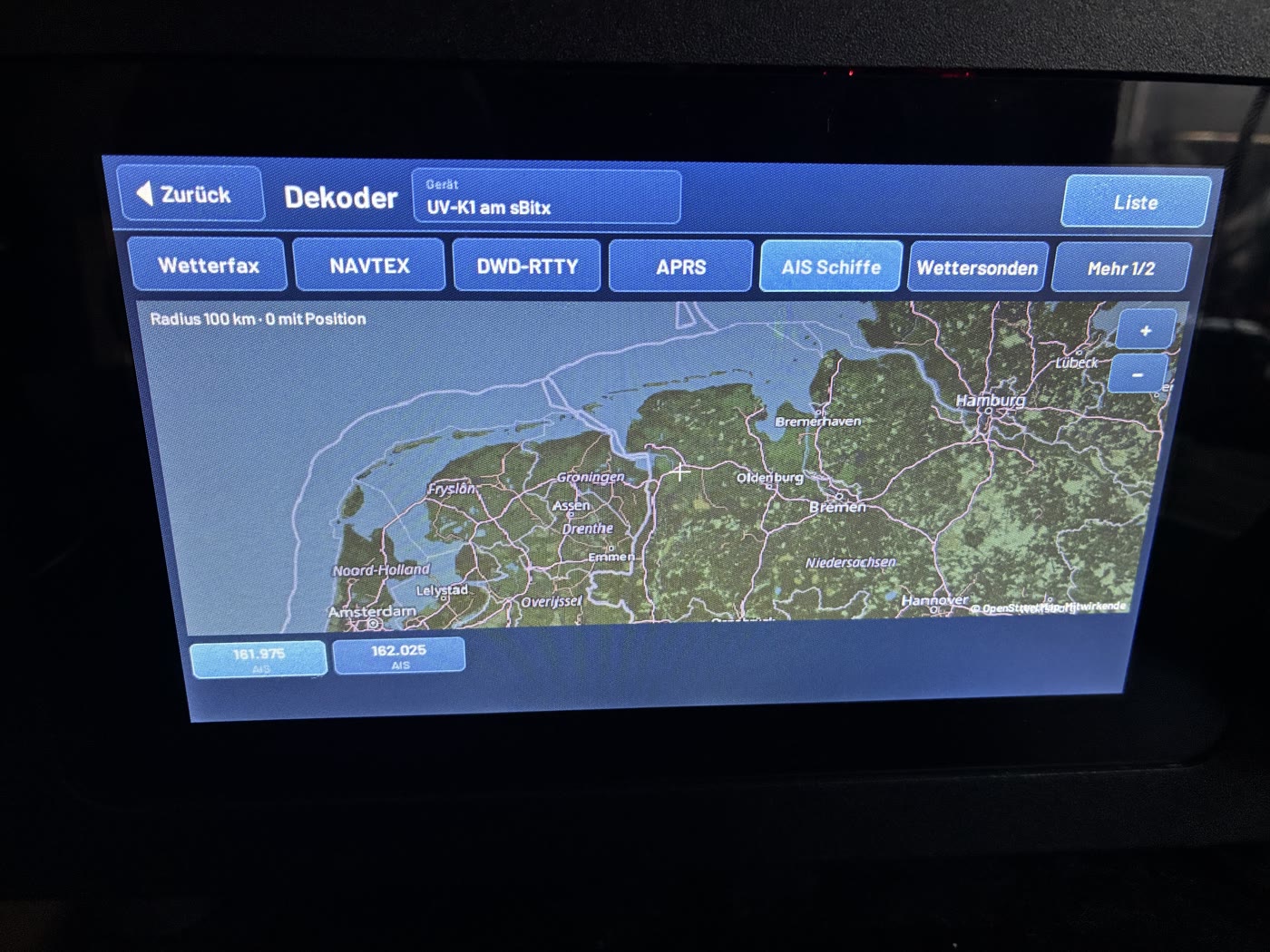
Weather fax with image storage, NAVTEX, DWD RTTY, APRS with your own beacon and messages (also via the ISS with Doppler correction), AIS ships and weather balloons – all with a map right on the radio. On top of that: the world map with DX spots and satellites, Meshtastic with channels and direct messages, nearby repeaters (a tap sets the repeater offset and CTCSS) and call sign favorites that notify you as soon as a station is QRV.
🎛️ Radio control center
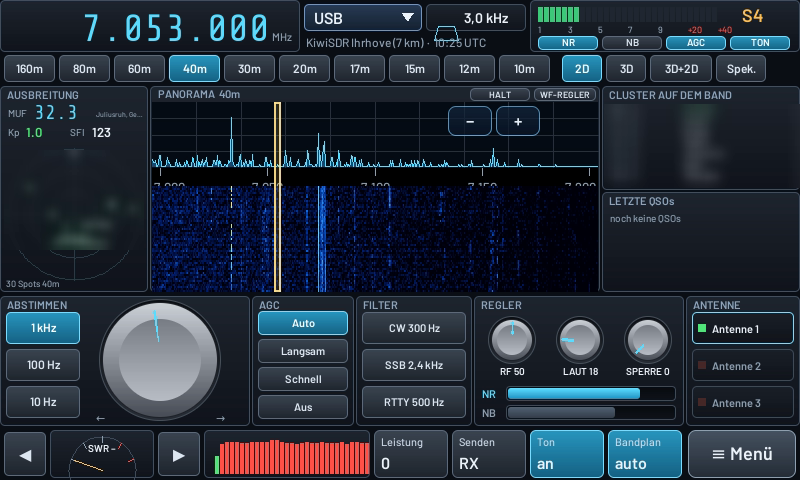
The radio control center puts everything on one page: propagation on the left (MUF from the nearest ionosonde, K-index, solar flux and the band’s spots as a direction circle), the panorama in the middle, and the decoder or cluster plus the latest QSOs on the right. At the bottom there is a big tuning knob that you turn with your finger, AGC, filter presets (CW 300 Hz, SSB 2.4 kHz, RTTY 500 Hz), controls for RF, volume and squelch, noise reduction and noise blanker, SWR meter, audio spectrum and antenna selection – the selected antenna is automatically saved in the logbook.
🎨 Radio designs and your own skins
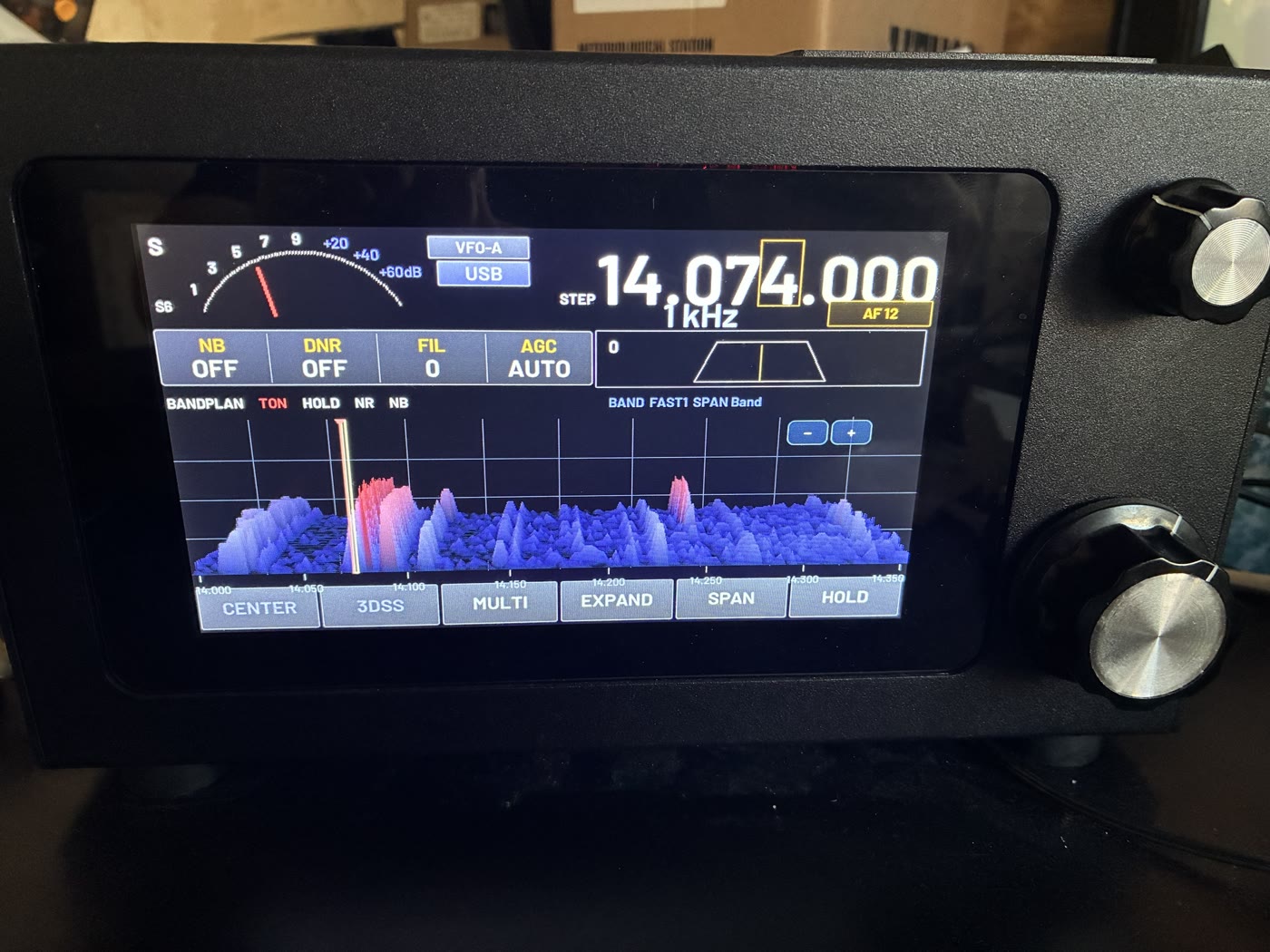
You decide how your sBitx looks under Menu → Radio design: the RigVibe design, designs modeled on well-known transceivers with their typical screen layout, the radio control center, Matrix with falling characters in the waterfall, and scenes such as Synthwave, Space or Rocket launch.
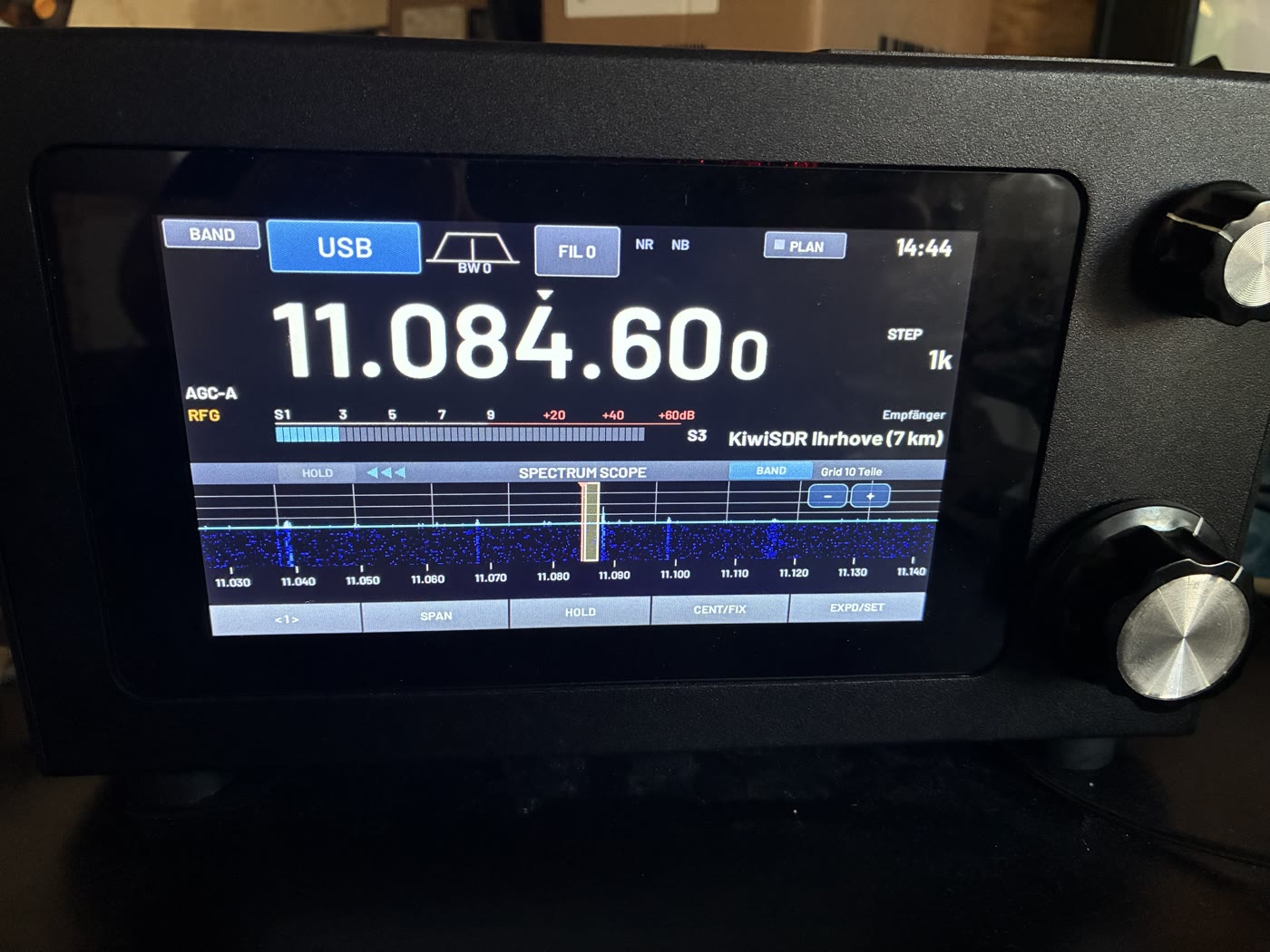
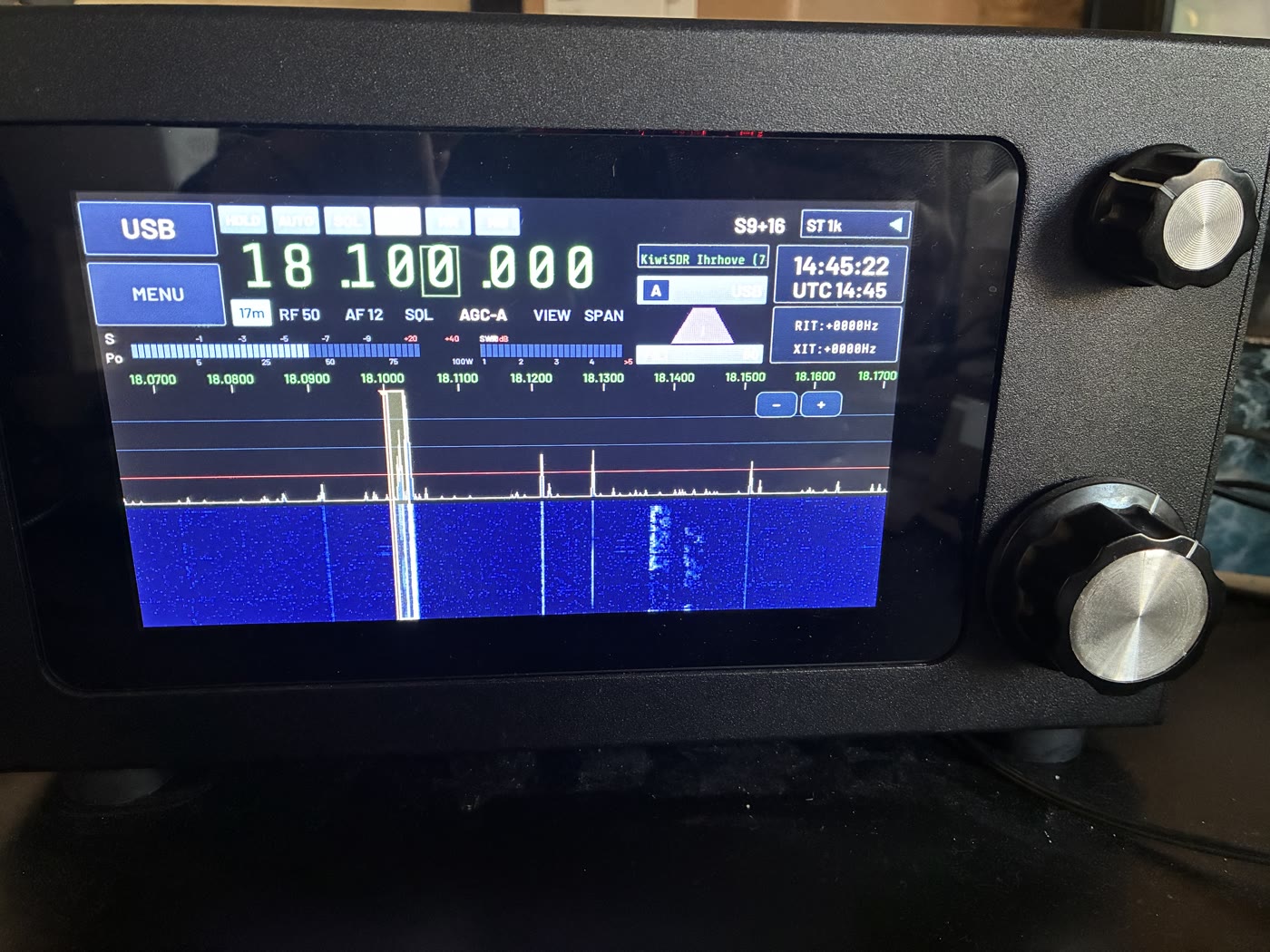
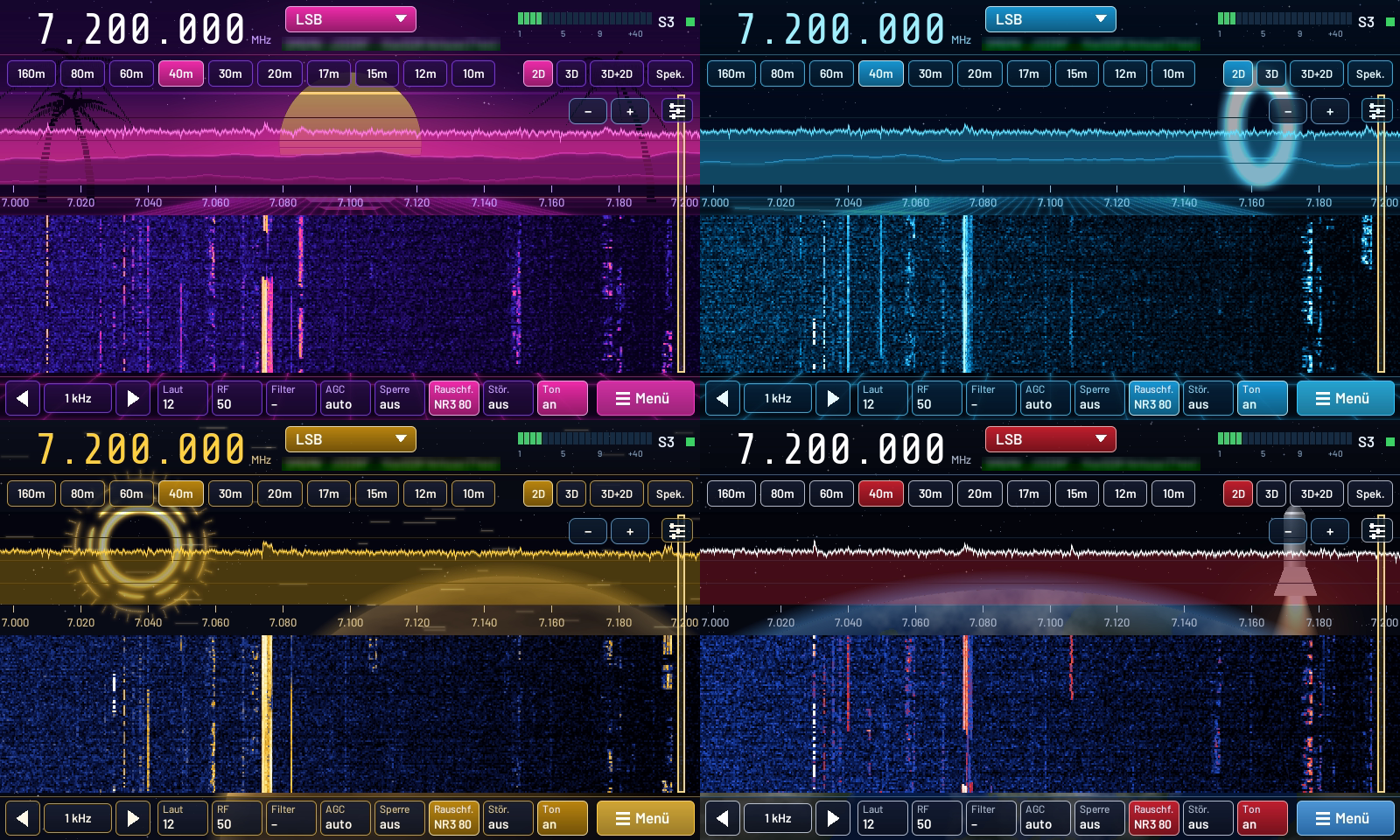
Your own skins are quickly built: a small skin.json with colors, plus a background image, an image behind the spectrum or a logo in the waterfall. Put it on a USB stick as a ZIP, tap “Load skins from USB stick” on the radio – done. The instructions with all image sizes are in the skin folder on the radio.
📻 DAB+, FM broadcast and traffic messages
With an RTL-SDR or HackRF on USB, the sBitx also becomes a broadcast radio: DAB+ with scan, station list, scrolling text, station logo and stereo sound, and FM broadcast with RDS including radio text and traffic announcements. RigVibe shows the TMC traffic messages in German with road and section and draws them on a road map. DAB+ and FM broadcast share the same stick.
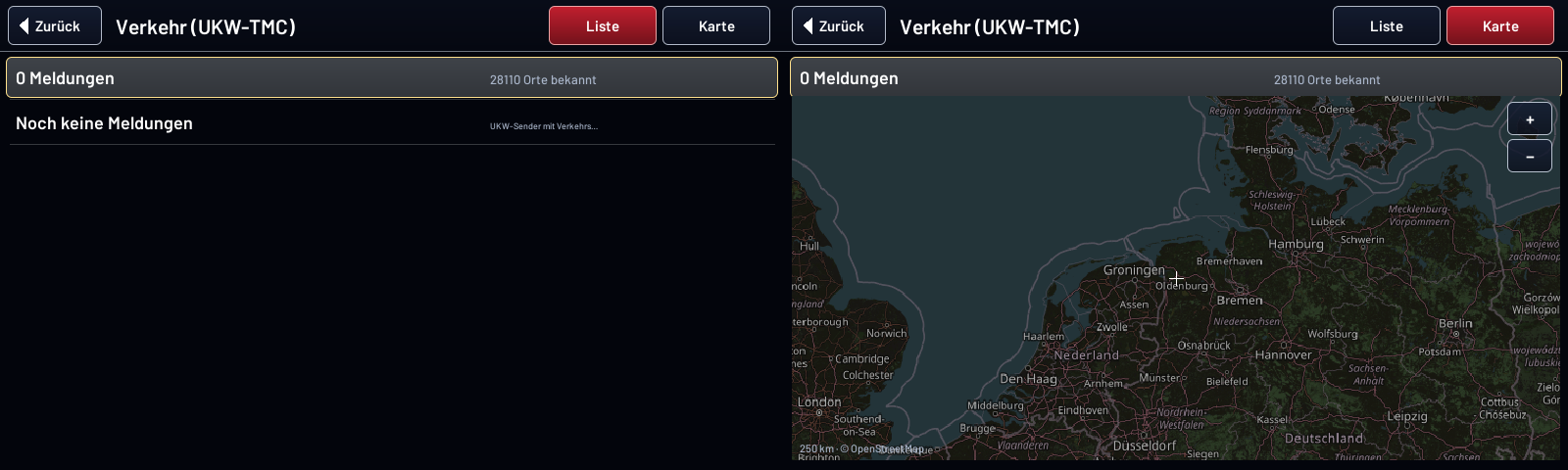
To be honest: DAB+ and the traffic messages are brand new and not yet tested against a real transmitter – that will follow.
📡 Transmit – experimental
Transmit is switched off by default. You enable it under Menu → Radio, only after confirming a warning. Then SSB via the push-to-talk button on the microphone, the digital modes and CW all work. RigVibe controls the power via the SWR bridge and shuts off above an SWR of 2.5. On an antenna for 30 m, FT8 got as far as England this way (GB0PSC, −10 dB, accurate to 5 Hz). With the SWR test you measure an antenna’s SWR across a whole band.
No liability for damage to the radio. Test first with a dummy load or a properly matched antenna and low power. High SWR can damage the final amplifier and the low-pass filters; RigVibe’s protection circuit does not reliably prevent that.
🔜 Work in progress
- SDR stick as a panadapter on the sBitx for a wider overview.
- ATU-100 as an automatic antenna tuner, controlled from RigVibe.
🔗 More
- Everything about RigVibe, download for Windows, Mac and Linux: RigVibe – free station software for radio amateurs
- Website: rigvibe.de · Manual: Manual with pictures
- RigVibe is free. Bug reports and wishes are welcome as a comment here or via the feedback function in the program.